Tchibo: in-store business tablets that can only be used for their purpose
Customer and staff tablets in stores: locking, restriction and remote management keep each device on its task.
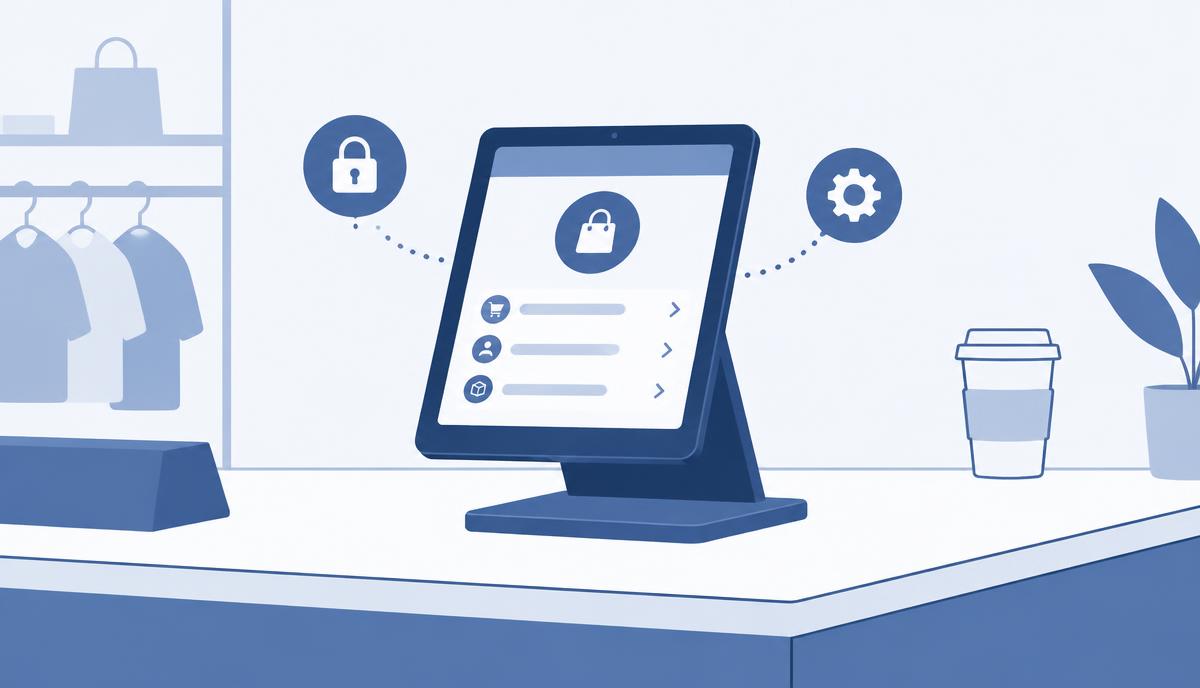
We implemented the lock-down, usage restriction and remote management of the customer and staff tablets placed in Tchibo stores with central device management. That single sentence is the essence of the project; below we explain in general terms why a tablet in a public space is a special protection challenge, and which tools can address it.
Why is a tablet on the shop floor risky?
A tablet on a shop floor is in a very different situation from a phone in an employee's pocket. Anyone can walk up to it, nobody is responsible for it at every moment, and such a device is often used not by one person but by many people every day.
Typical risks
- Changed settings: if the system settings are accessible, even a curious visitor can change the network, the brightness or the language – and from then on the tablet no longer works as it should.
- Foreign apps: with an open app store, anything can be installed that does not belong there.
- Data leakage: staff tablets may hold company information; if the device is not protected, it can end up in the wrong hands.
- Leaving the dedicated function: the tablet was placed there for one purpose. If users can exit to a browser or another app, the device loses its function.
Three elements of the solution
1. Dedicated-purpose mode
The tablet runs a single app or a narrow set of approved apps. The home screen, the settings and the rest of the system cannot be reached. If the app crashes or the user tries to leave it, the device returns to the designated interface.
2. Central restrictions
Policies are not created by hand, tablet by tablet, but in one place, per device group. The public app store, the camera, USB connections or screenshots can be restricted, and an allow list defines which apps may run. A single change takes effect on every affected device.
3. Remote management
The operator sees the status of the devices centrally, installs and updates apps remotely, and can lock or reset a tablet when needed – without anyone having to visit the store.
Customer tablet vs. staff tablet: different protection needs
Both device types stand in the same store, yet they need to be protected differently.
- Customer tablet: the goal is that visitors can only reach the designated function. Ideally, there is no personal or company data on the device; the focus is on lock-down, the inability to exit, and quick restoration.
- Staff tablet: work processes run here, often with sign-in and company data. In addition to lock-down, screen lock, encryption and a narrowed set of apps matter, as does remote locking and wiping if the device is lost or stolen.
The same central management can handle both groups, but with different policy sets. That is why it is worth assigning devices to groups right at rollout.
What to consider when planning devices for public spaces
- Define exactly what the device is for – and allow only that.
- Separate the policies for customer and staff devices.
- Think through what happens if a tablet is taken: can it be locked and wiped remotely?
- Schedule updates so that they do not run during opening hours.
- Keep an up-to-date list of which device is where and in what state.
An in-store tablet is a good investment if it really can only be used for its intended purpose. If you are planning or running similar devices, request a quote – we will help you set up the right lock-down and management policies.