Corporate mobile device protection
Company phones you can prove are protected
A known security patch level, verified integrity, and an immediate lock or corporate data wipe when a device is lost – all from one central console. Instead of hoping company data is safe on your employees' phones, you can see it and document it.
For Android corporate smartphones and tablets. Some capabilities apply to supported device models and the chosen licence tier – we confirm the details when you request a quote.
Our specialists help with licence selection, configuration and day-to-day operation.
What does device protection cover in practice?
Six capabilities that turn the state of your company phones and tablets from an assumption into a verifiable fact.
Visible vulnerabilities, verified integrity
The security patch level shows you which devices are vulnerable, and regular checks filter out rooted or tampered devices. On supported device models, depending on the licence tier.
DetailsSecurity patches enforced and scheduled
Security updates install without user action within a defined time window, while untested major OS upgrades can be held back. On supported device models, depending on the licence tier.
DetailsImmediate response to loss or SIM swap
Remote lock, suspension, full or work-profile-only wipe, and the last known location. When a SIM card is swapped, a stricter policy applies automatically.
DetailsCorporate management cannot be bypassed
A supported device locks itself if it is not enrolled within a set period, and it re-enrols even after a factory reset. Depending on the licence tier.
DetailsCompany data and personal use kept apart
Company apps and data run in a separate work profile. On exit or loss, only the work profile is wiped and personal data stays untouched. Camera, USB, Bluetooth and apps can be restricted centrally.
DetailsCentral policies, remote install, remote support
Password, encryption and usage policies from one place, remote app installation, and IT can see and control an Android device live – without a site visit.
DetailsReferences







How it works
The six capabilities in detail
01
Vulnerability and integrity: visible, not assumed
The management console shows the security patch level of every device, so you can identify which devices are running an outdated level with known vulnerabilities.
Regular device integrity checks flag devices that have been rooted, tampered with or whose identity cannot be trusted – such devices can be excluded from accessing company data.
Results can be exported, so the statement “every device is at a known level” can be backed up in an internal audit.
This capability is available on supported device models with the higher licence tier – we confirm the details when you request a quote.
Examples
- Monthly report: how many devices are below the required patch level.
- A rooted device is flagged and blocked from company email.
- An audit question is answered with a device list, not an estimate.
02
Security patches: enforced, scheduled, without major version jumps
On supported devices, security updates can be enforced centrally without user action, within a defined download and installation window – for example outside working hours.
Meanwhile, the move to an untested major Android version can be held back, so vulnerability management does not come at the expense of business app stability.
The fleet can be brought to – and kept at – a uniform, known patch level.
On supported device models and depending on the licence tier; not available on every manufacturer's devices.
Examples
- Monthly security patch applied automatically; major upgrade only after approval.
- Installation at night, over Wi-Fi, in stages.
- A device that falls behind is visible in the console straight away.
Curious where your fleet stands today?
Request a device protection assessment03
Loss, theft, SIM swap: response in minutes, not days
A lost or stolen device can be locked or suspended remotely; you can wipe the entire device or only the work profile – the company data – without touching personal data. The last known location can be viewed.
If someone swaps the SIM card, a stricter policy applies automatically on Android devices, and an alert can be sent to the administrator.
The response does not depend on whether the user can be reached.
Examples
- Lost phone: locked as soon as it is reported, company data wiped remotely.
- SIM swap detected: automatic lock and email alert.
- Device recovered: unlocked from the console.
04
Management that cannot be bypassed
On supported device models, you can configure a device to lock automatically if it is not enrolled in corporate management within a set period.
After a factory reset, the device re-enrols in the system, so the user cannot “free” a company device.
Bulk lock and unlock are available, and a one-time PIN covers offline situations.
On supported device models with the higher licence tier; for devices already handed out, activation requires a factory reset.
Examples
- New purchase: the device is enrolled automatically when first switched on.
- A leaver's reset phone does not drop out of the system.
- Unregistered device locked after the deadline.
New devices, leavers, a fleet in mixed condition?
Let's talk about protecting your fleet05
Company data apart from personal use; restrictions where needed
Company apps and data run in a separate work profile; on company-owned devices, too, you can enable a mode that allows personal use while protecting company data. On exit or loss, only the work profile is wiped.
Camera, USB, Bluetooth, NFC and GPS can be restricted centrally per device group; allow and block lists control which apps may run, and the public app store can be blocked.
Policies can be tied to time, Wi-Fi network or – on Android devices – location, and take effect on their own.
The exact list of restrictions varies by platform – we confirm it when you request a quote.
Examples
- Work profile: company email and CRM kept apart, personal photos untouched.
- Camera blocked on the factory floor, allowed elsewhere.
- Only approved apps can run on the company tablet.
06
Central policies, remote installation, remote support
Password, encryption and screen-lock policies, Wi-Fi and VPN settings, and remote installation and updating of apps from one place, per device group.
From the console, IT can see and control an employee's Android device live, take screen recordings and send files – without a site visit.
Remote support is role-based: you decide who may start a session and whether the user must approve it.
Remote support applies to Android devices.
Examples
- New password policy: one click, effective on every device.
- Field employee's issue: live screen, solved in 10 minutes, no travel.
- Internal app updated centrally over the weekend.
Ready to make protection verifiable?
Request a quoteNIS2 and GDPR: documentable technical measures
The capabilities described above – device inventory and status, security patch level, integrity checks, locking lost devices and wiping company data, role-based remote support – can help you design and document technical measures under Hungarian Act LXIX of 2024 transposing NIS2 and Article 32 of the GDPR (security of processing). On their own they do not guarantee compliance; the specific requirements are determined by your organisation's risk assessment and auditor.
Read more: why corporate mobile device protection mattersGood to know
Only compliant devices can access company systems
In Microsoft 365 environments, the device compliance status determined by the management solution can be passed to Microsoft Entra ID, so a non-compliant Android device can be excluded from company resources through conditional access. For Android devices; we agree the details when you request a quote.
Remote support, role-based and logged
You control which administrator may start a session and whether they may only view or also control the device, and sessions can be looked up later – useful for internal control as well.
Frequently asked questions
Device protection in practice
All posts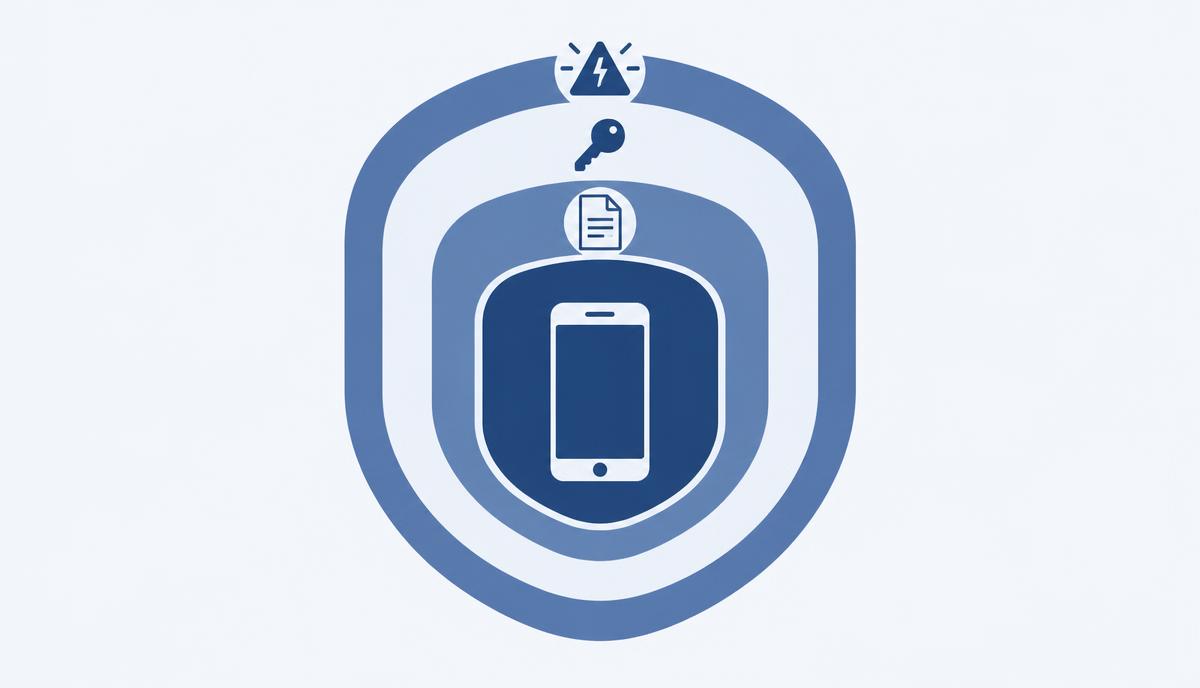
Why protecting corporate mobile devices matters
A company phone is as much an entry point to corporate data as a laptop. What does verifiable protection mean, and where should you start?
Read more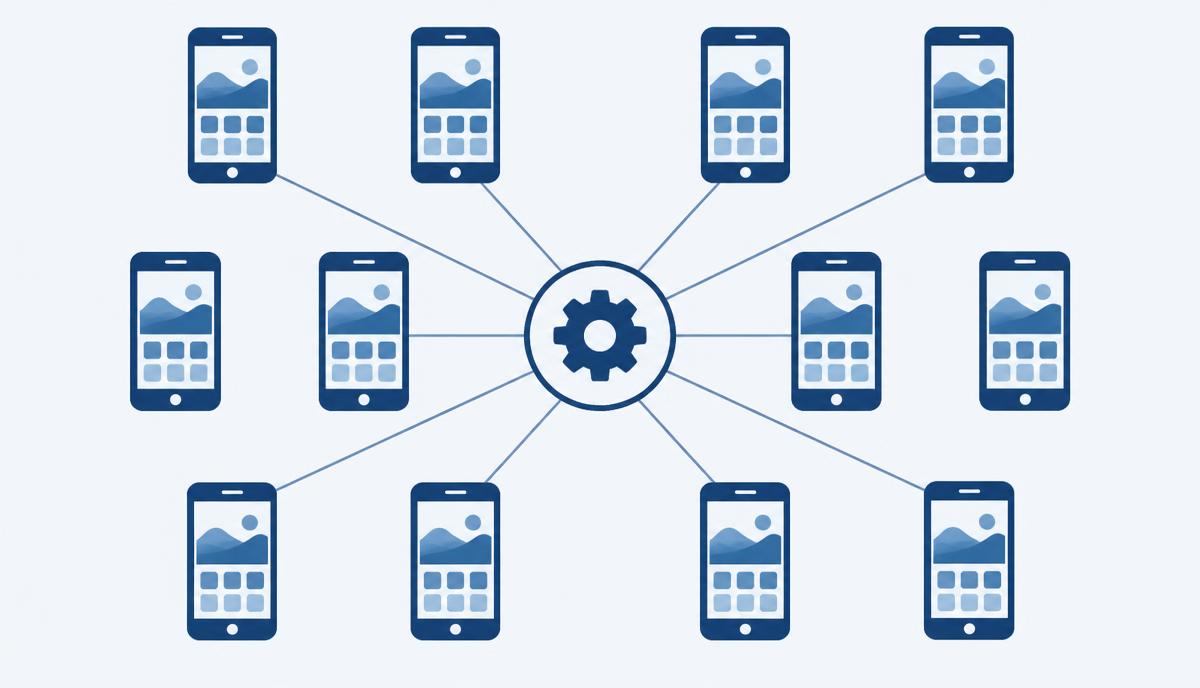
BHS Trans: uniform settings, lower risk on drivers' phones
More than 400 phones, each configured differently – and how they became a uniform, defensible device fleet.
Read more
Tchibo: in-store business tablets that can only be used for their purpose
Customer and staff tablets in stores: locking, restriction and remote management keep each device on its task.
Read more
Waberer's: how drivers' phones became verifiably company-controlled devices
Data allowances running out, settings changed, communication breaking down: how the driver phone became a controlled company device.
Read moreRequest a quote for protecting your company devices
Get in touch: our specialists help you choose the right licence and support configuration and operation.
UBIK365 Kft. – corporate mobility and device management, Budapest.